Free image to 3D AI · No sign-up
Image to 3D: Turn any picture into a textured 3D model
Upload a photo, several views or a short prompt, start free with TRELLIS or pick one of 6 pro AI models, then download GLB, OBJ or STL for your game engine, editor or 3D printer.
Create your model
3D preview
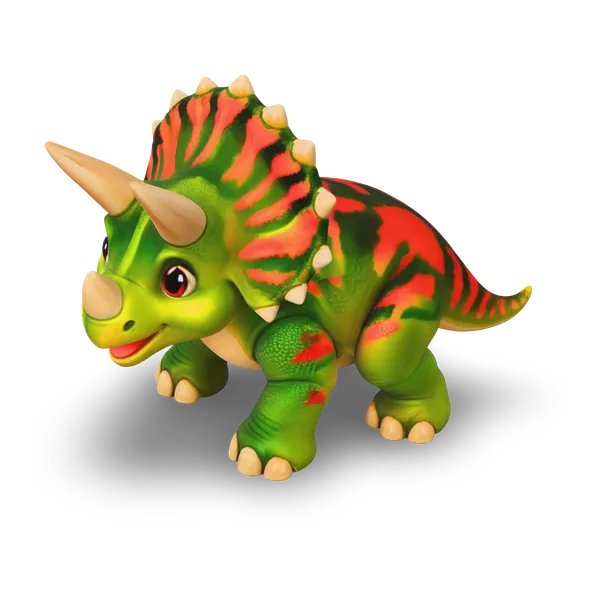
Sample result · Tripo H3.1
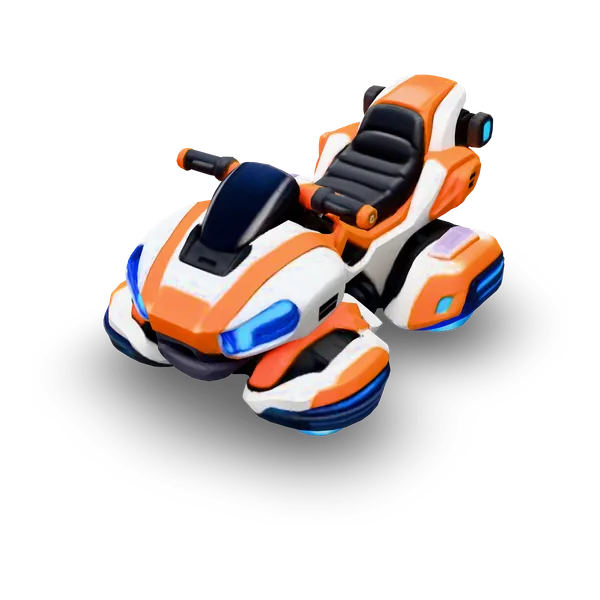
 Input image
A real Tripo H3.1 result generated on Image to 3D AI from this picture, optimized for web preview. Press Generate to make your own.
Use cases
Image to 3D models for every project
One picture can become a game prop, a printable shape or a product mockup. Every card shows a real image to 3D model made in this workspace.
- TRELLIS
Turn concept art into a picture to 3D model for props, creatures and set pieces, then bring the GLB into your game engine.
- TRELLIS
Start a print from a picture: download the picture to 3D model as STL and open it in your slicer to scale and slice.
- Hunyuan 3D 3.1 Rapid
Turn a product sketch into an image to 3D model and check it from every angle before you build a prototype.
- Tripo H3.1
Build props and set dressing for previs and animated shots, each an image to 3D model from one piece of reference art.
- TRELLIS
Create stylized objects for immersive scenes and web viewers, each photo to 3D model ready to place as a GLB file.
- Hunyuan 3D 3.1 Pro
Stage a room with plants, lamps and furniture, each a photo to 3D model from a product shot or mood-board picture.
- Hunyuan 3D 3.1 Rapid
Turn an illustration into a picture to 3D model students can rotate, from dinosaurs to planets and cutaways.
- Tripo H3.1 · 4 views
Turn a character drawing into a picture to 3D model for a figurine, or add four views of it for a closer match.
Examples
Picture to 3D model examples
Every image to 3D model here came from the picture or prompt beside it. Filter by use case, rotate any result, then try the same picture yourself.
 Input image
Models
Image to 3D model comparison: one picture, 7 AI models
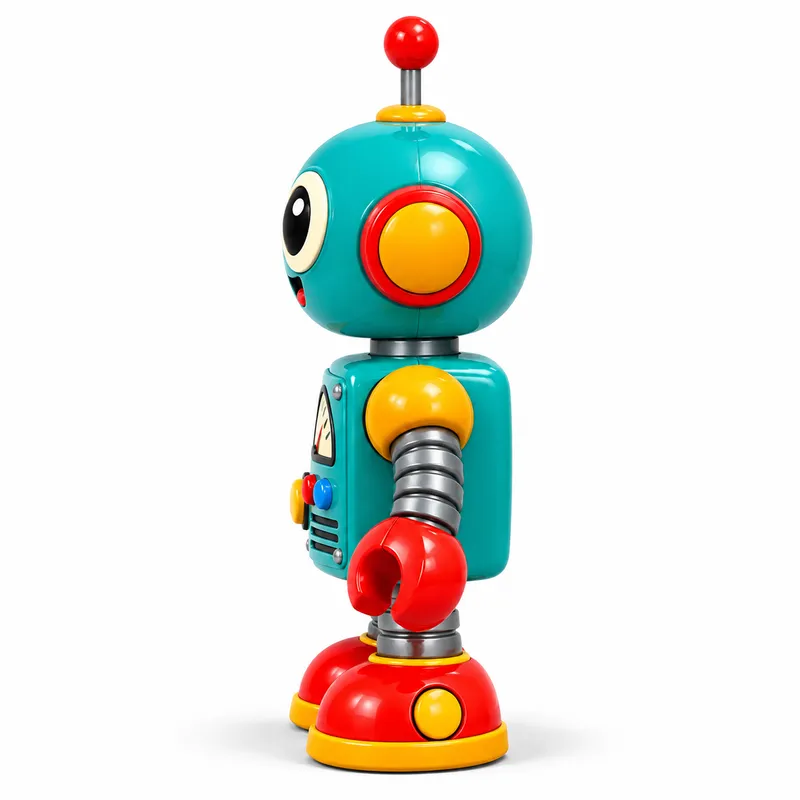
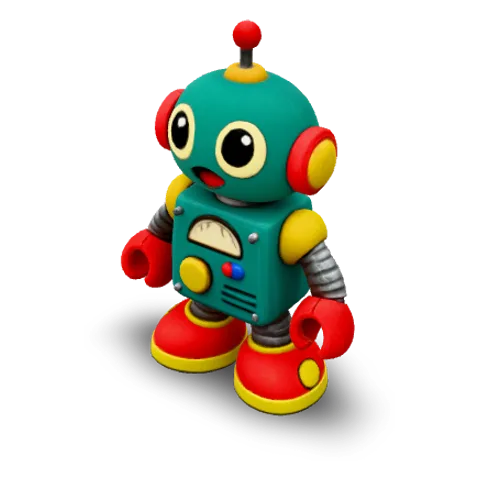
We ran one retro robot picture through every model to compare each picture to 3D model: TRELLIS is free, and the other 6 are pro models.
- FREE
TRELLIS
Microsoft
Free · textured mesh · single or multi-image
- PRO
Rodin 2.5 Fast
Hyper3D
Quick drafts · image, multi-image or text
- PRO
Hunyuan 3D 3.1 Rapid
Tencent
Quick textured models · image or text
- PRO
Tripo H3.1
Tripo3D
Detailed geometry · image, text or four views
- PRO
Hunyuan 3D 3.1 Pro
Tencent
High-detail textured models · image or text
- PRO
Rodin 2.5
Hyper3D
High-poly meshes · image, multi-image or text
- PRO
Meshy 7.1
Meshy
Rich textures · image, multi-image or text
| Model | Image | Text | Multi-Image | Mesh detail |
|---|---|---|---|---|
| TRELLIS | Yes | — | 2–8 views | Low · Standard · High |
| Rodin 2.5 Fast | Yes | Yes | 2–5 views | Low · Standard · High |
| Hunyuan 3D 3.1 Rapid | Yes | Yes | — | Standard only |
| Tripo H3.1 | Yes | Yes | 4 set views | Low · Standard · High |
| Hunyuan 3D 3.1 Pro | Yes | Yes | — | Low · Standard · High |
| Rodin 2.5 | Yes | Yes | 2–5 views | Low · Standard · High |
| Meshy 7.1 | Yes | Yes | 2–4 views | Low · Standard · High |
Inputs and mesh detail levels come from each model’s current settings in the workspace. Results vary with the picture you upload.
Image to 3D at a glance
- Input
- One JPG or PNG picture, several views of the same object, or a text prompt
- Models
- 7 AI models from Microsoft, Hyper3D, Tencent, Tripo3D and Meshy
- Output
- A textured 3D mesh you can download as GLB, OBJ or STL
- Preview
- Rotate and zoom in your browser, with textured, solid and wireframe views
- Mesh detail
- Low, standard or high on models that offer it
- Start
- Your first model is free, with no sign-up
Features
Photo to 3D model, ready to use
From a single photo to a file you can open in your editor, engine or slicer, these are the parts of the photo to 3D model workflow you control.
Every side from one picture
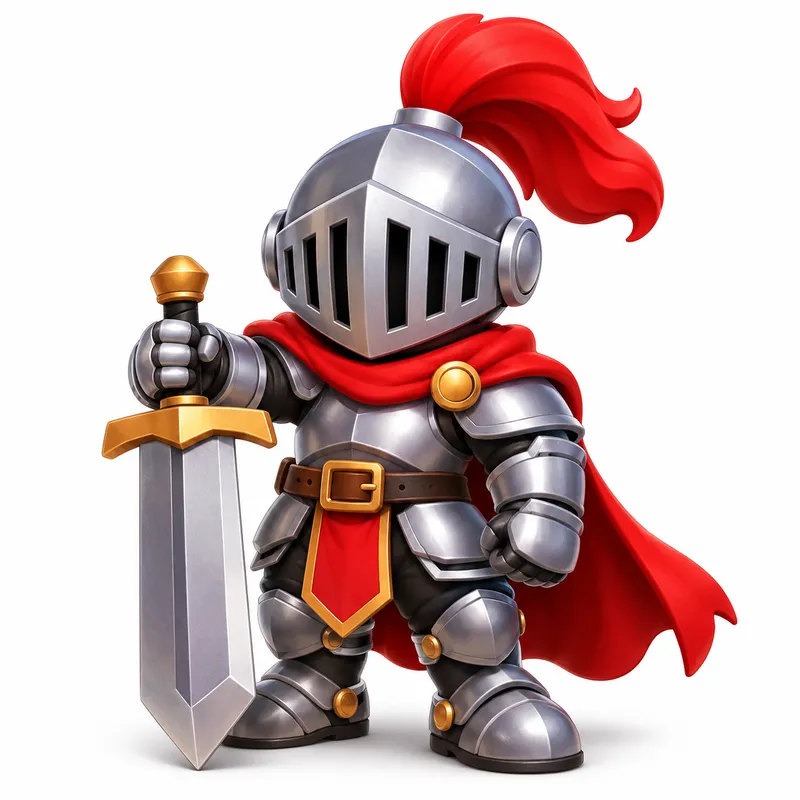
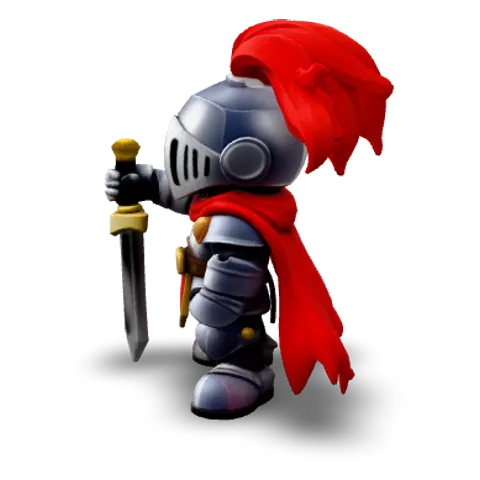
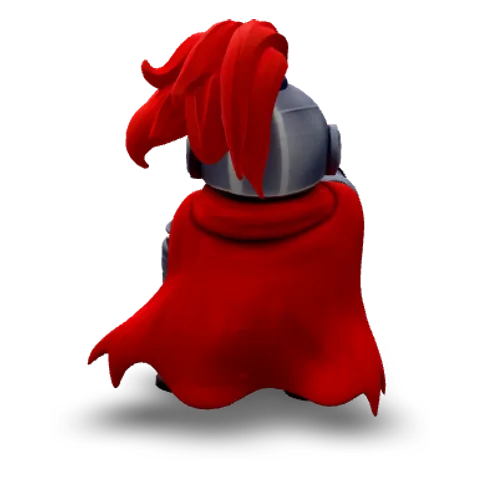
Upload one picture of an object and the AI rebuilds the sides the camera never saw, with color and texture on the back as well as the front. This chibi knight is an image to 3D model made from a single picture with TRELLIS, the free model, and keeps its cape and armor from every angle.
Several views, or just a description
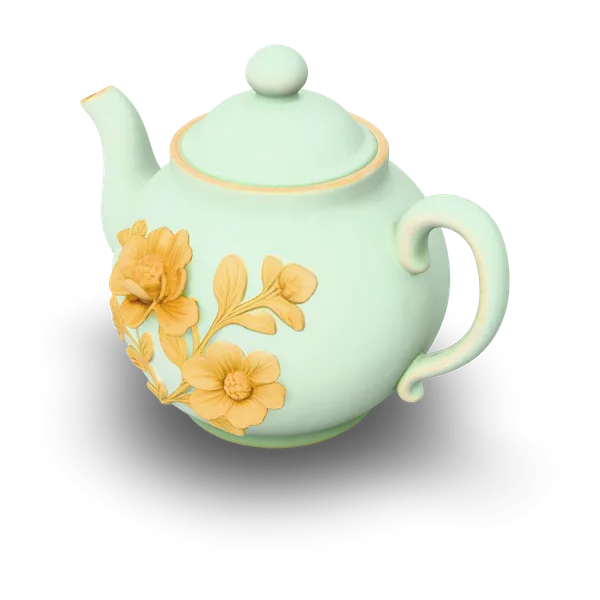
For a closer match, Multi-Image to 3D reads several views of the same object, and Tripo H3.1 uses four set views: front, left, back and right. No picture yet? Text to 3D builds a model from a short description, like this celadon teapot made from one sentence.


A celadon porcelain teapot with delicate gold floral patterns
Choose texture and mesh detail
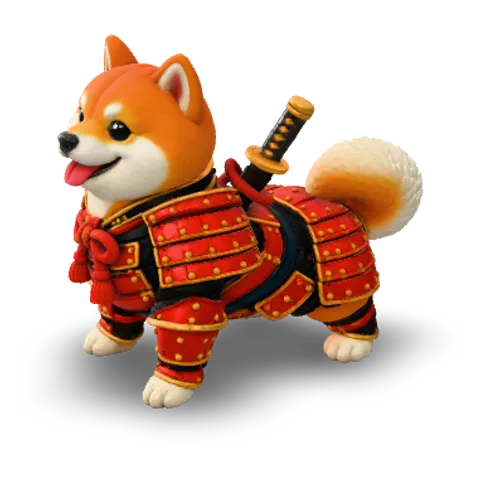
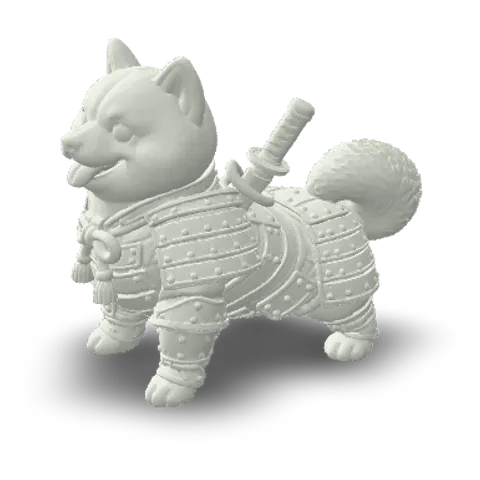
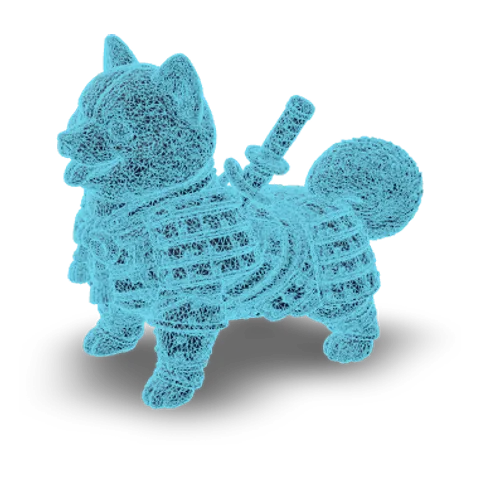
Pick low, standard or high mesh detail, and turn texture off where a model offers it. Then check the result as textured, solid or wireframe in your browser before you download: this samurai shiba has 99,666 faces.
GLB, OBJ or STL in one click
Download the same model as GLB for the web and game engines, OBJ for editing tools or STL for 3D printing. GLB and OBJ keep the texture; STL carries the shape only and is scaled so its longest side is 100 mm, ready to resize in your slicer.
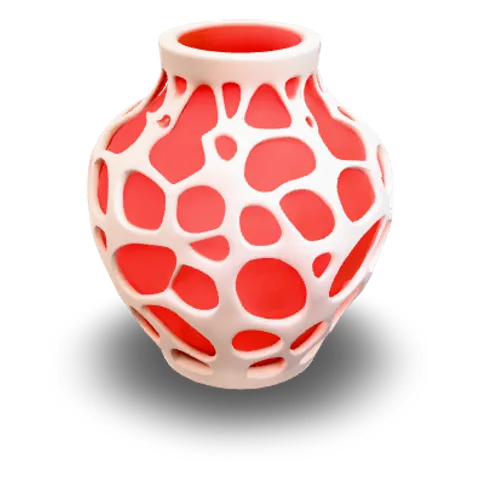
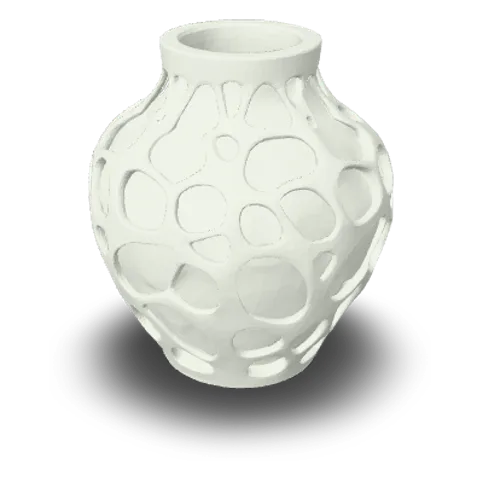
- glbWeb and games
- objEditing tools
- stl3D printing
How it works
How to make a 3D model from an image
Here is how to make a 3D model from a picture in three steps, all in your browser with nothing to install.
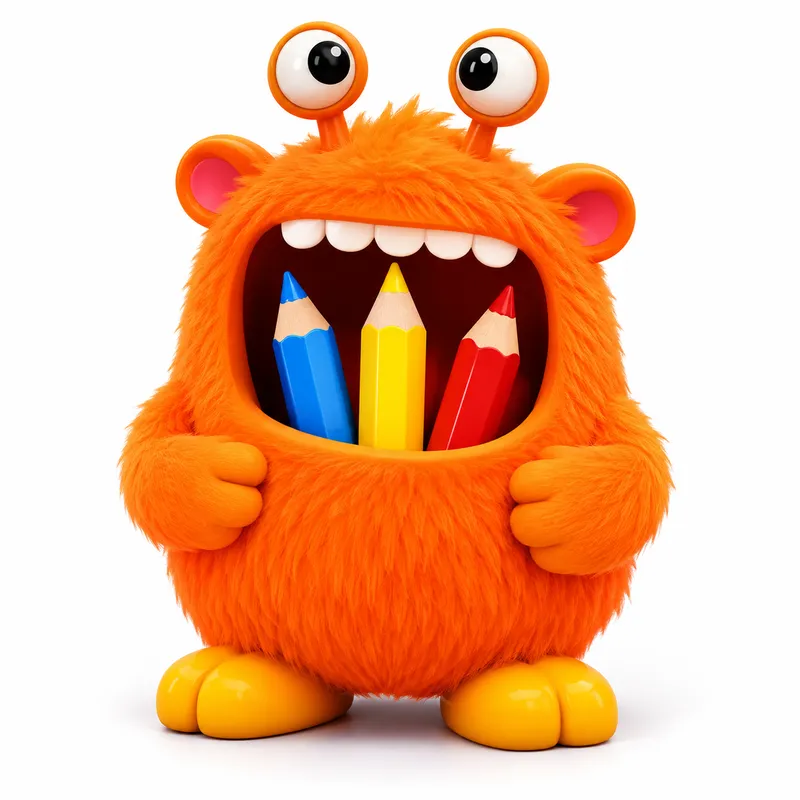 Drop one image
Add a clear picture
Upload one JPG or PNG of a single object, fully in frame on a plain background, for the cleanest photo to 3D model. To match a real object more closely, switch to Multi-Image to 3D and add views from other sides, or describe the object in Text to 3D.
- TRELLISFREE
- Rodin 2.5 FastPRO
- Hunyuan 3D 3.1 RapidPRO
- Tripo H3.1PRO
- Hunyuan 3D 3.1 ProPRO
- Rodin 2.5PRO
- Meshy 7.1PRO
Pick a model and options
Start with TRELLIS, the free model, or choose a pro model for a sharper photo to 3D model or richer texture. Set texture and mesh detail, then press Generate and follow the progress beside the input.
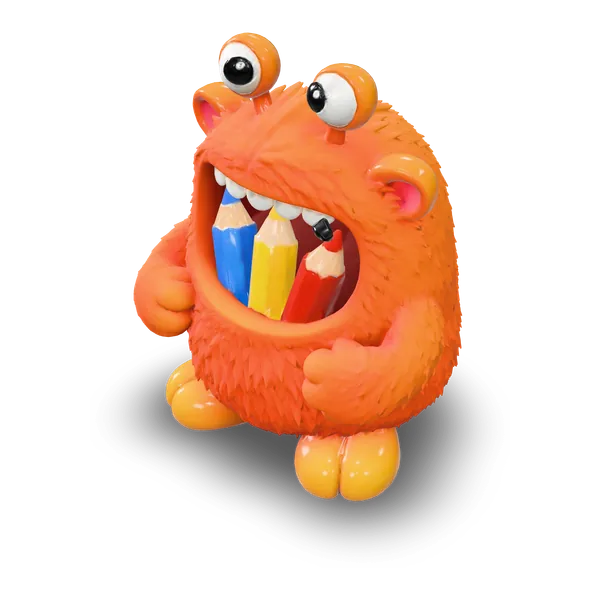 GLBOBJSTL
Check it, then download
Rotate your image to 3D model and switch between textured, solid and wireframe views to check the shape. Then download GLB, OBJ or STL for your engine, editor or slicer.
Free credits
Start image to 3D free
Every number below is a full TRELLIS model from our image to 3D converter, ready to rotate and download before you pay anything.
- Right now
1free model, no sign-up
Try it before you make an account.
- When you sign up
2free models when you sign up
Free credits land in your account.
- Every day
1every day you check in
2 on day three, 3 on day seven.
Free models per check-in
- 1Day 1
- 1Day 2
- 2Day 3
- 1Day 4
- 1Day 5
- 1Day 6
- 3Day 7
FAQ
Image to 3D FAQ
Answers about inputs, models, formats and free use of image to 3D.
- 7 AI models
- GLB · OBJ · STL
- Free to start
Image to 3D is an AI process that turns a flat picture into a 3D model with both shape and surface texture. Image to 3D AI works like an image to 3D converter in your browser: upload one picture, pick one of 7 AI models and download the image to 3D model as a GLB, OBJ or STL file.
Upload a photo of one object on a plain background, choose a model such as TRELLIS and press Generate. When the photo to 3D model is ready, rotate it to check every side, then download GLB, OBJ or STL. Several photos of the same object from different sides give an even closer match.
Yes — you can make your first 3D model free, with no sign-up. Sign up free to keep your models and get more free credits, then check in every day: day three doubles your reward and day seven triples it. Use them to make more models with TRELLIS, and check-in credits never expire.
A picture of one object, fully in frame, on a plain background with soft, even light works best. A three-quarter view that shows the front and one side helps the model read depth, and clear silhouettes with solid materials give a cleaner picture to 3D model than glass, fur or thin wires. JPG and PNG work with every model.
Every model can be downloaded as GLB, OBJ or STL. GLB suits the web and game engines, OBJ comes with its material and texture files for editing tools, and STL carries the shape only for 3D printing, scaled so its longest side is 100 mm. Formats other than the model's original file are converted in your browser.
Start with TRELLIS, the free model, to see how your image to 3D model turns out. For more detailed geometry try Tripo H3.1, for quick, low-cost drafts Rodin 2.5 Fast, for high-detail textured models Hunyuan 3D 3.1 Pro, and for rich textures Meshy 7.1. The comparison above shows one picture made with all 7 models.
Yes — Multi-Image to 3D accepts several views of the same object, up to eight with TRELLIS, while Tripo H3.1 uses four set views: front, left, back and right. Text to 3D builds a model from a short description of one object, and 6 of the 7 models accept text prompts.
Yes — download the model as STL from the image to 3D converter and open it in your slicer. The file is scaled so its longest side is 100 mm, so set the size you want, check the mesh and add supports before you print. Compact, solid shapes such as figurines, vases and props are the easiest to print.
Start image to 3D with one picture
Upload one picture, pick a model and download your photo to 3D model as GLB, OBJ or STL. Image to 3D AI makes your first one free.