Image or prompt to static props
3D Game Asset Generator: Make a static prop for your next scene
Turn a reference image into a static game prop free, with no sign-up. Check the shape and materials from several angles, then export GLB to test in Godot.
Create your model
3D preview
Sample result · TRELLIS
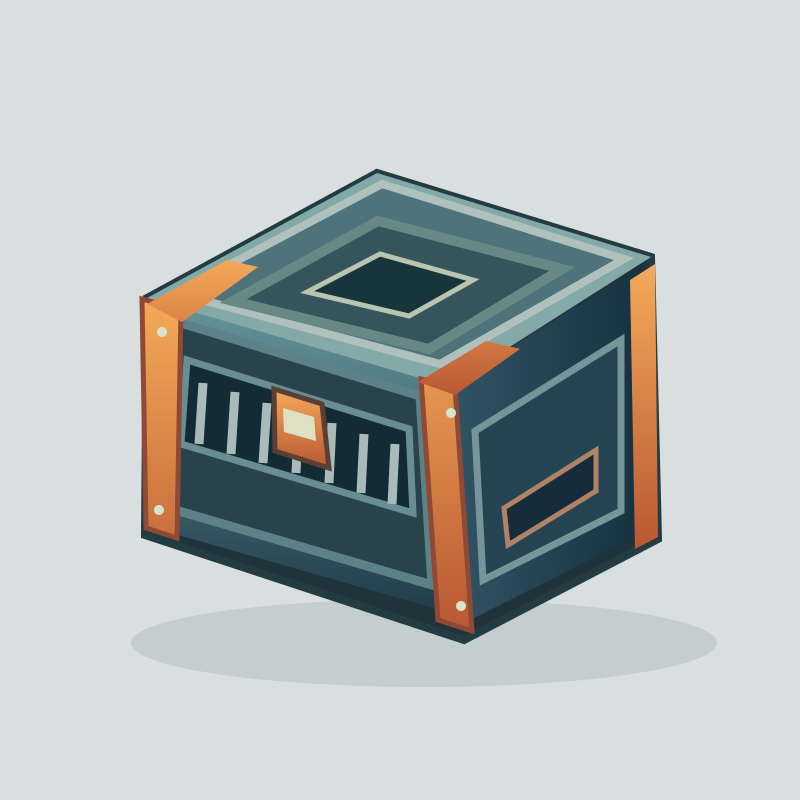 Input image
A real TRELLIS example generated on Image to 3D AI. Inspect the shape, then create your own model from a supported input.
Use cases
What can a 3D game asset generator make?
Use the AI 3D game asset generator to make one static prop for a specific place in your scene.
- TRELLIS
Use the 3D game asset generator to explore the shape of a chest with a broad lid and a clear front latch. Turn the result at the angle players will see and check the outline against the rest of the set.
- TRELLIS
Start the 3D game asset generator with a compact energy-core reference. Explore how the model separates the outside housing from the bright center, then check the prop from the side before placing it in a scene.
- Rodin 2.5 Fast
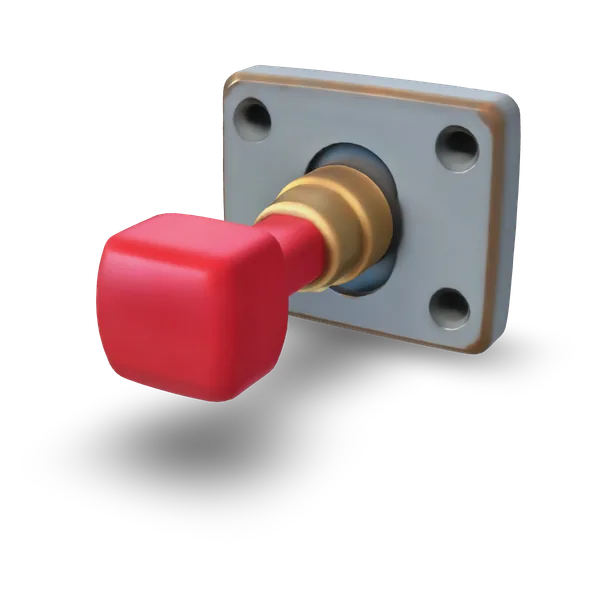
For a wall panel, describe the backing plate and handle in the 3D game asset generator. Compare the front and side profiles to see how far it protrudes, then test the part at the height where players will notice it.
- TRELLIS
Use the 3D game asset generator to draft simple static props that mark key spots in a scene. Choose one representative object, import its GLB into Godot and adjust the size against your environment grid.
Examples
3D game assets from images and prompts
Rotate the examples to review their silhouette and surfaces. Use the source face count as a starting point when you consider what your scene can support.
Input imageFeatures
What to check in a generated 3D game asset
The 3D game asset generator produces static meshes you can assess by silhouette, material and mesh density before bringing the asset into an engine.
Read the silhouette and materials
The 3D game asset generator preview separates the solid shape from its surface colors. The cargo crate’s silhouette shows reinforced corners, while the textured version makes the gold accents easy to spot. Comparing those views helps a scene artist tell which parts of a prop will still read under different lighting.
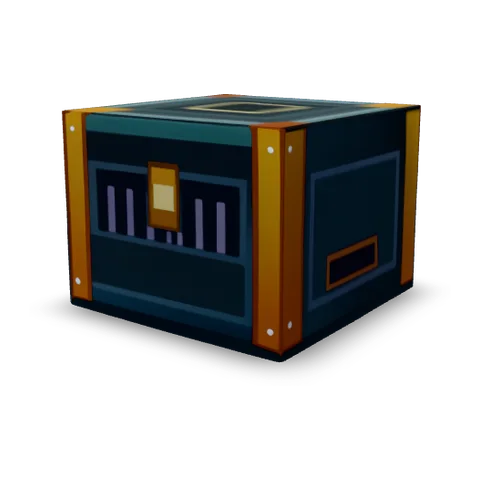
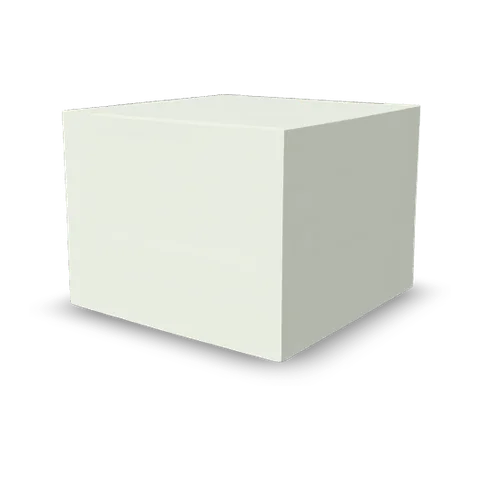
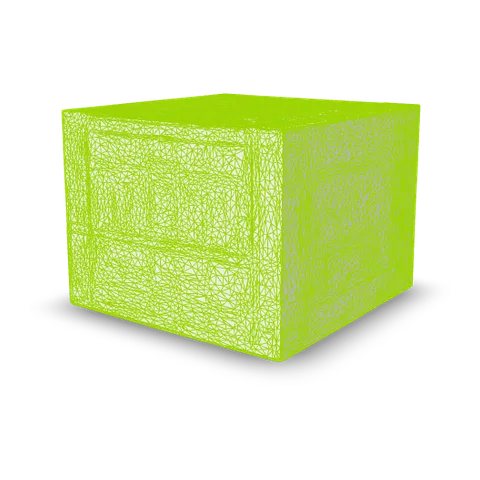
Use an image or a prompt for one prop
The 3D game asset generator can turn a reference image into a static prop, as the source image and model of the energy core show. A text prompt is an option when the prop starts as a design note. The gallery’s lever uses a written description of the plate and handle.
 Input image

Review the source face count
The 3D game asset generator examples display the source face count, a useful baseline when you budget a scene. The mimic chest shown here has 55,854 source faces. Its browser version uses 50,000 faces, so the preview and the original have different counts. A detailed model may still need cleanup or simplification for a particular camera distance or platform.

- 55,854source faces
Take a GLB into Godot
A GLB from the 3D game asset generator packages the mesh and available materials in one file. Godot imported the two original sample exports with their respective textures: base color for the crate and an emission texture for the lever. These are static props you can place and configure in your scene.
- GLBImport into Godot
How it works
How to create a 3D game asset and import it into Godot
Use the 3D game asset generator to create one prop, review the 3D result, then check the imported GLB in Godot.
- Add a prop reference
Choose one static prop
Open the 3D game asset generator and add one reference image or open Text. For a wall control, name the backing plate, handle and surface material. Keep the reference focused on the prop you want to review.
Solid · TRELLIS Generate and check the mesh
Choose a model, review its credit quote and select Generate 3D model. When the 3D game asset generator result appears, turn it to the intended player angle. Check that the main edges and silhouette read clearly from there.
- GLB
Export GLB and inspect it in Godot
Download the GLB from the 3D game asset generator and add it to a Godot test scene. Compare its scale and orientation against your scene grid, then check the imported material under the scene lighting.
More 3D workflows
More tools to build and refine 3D game assets
Explore lower-detail meshes, another export format or a new surface for an existing prop.
Stories
3D Game Asset Generator Stories
See how scale, lighting and camera distance change the way a chest, energy core or wall control reads in a game scene.
I needed something with a readable lid for a dungeon corner. I turned the chest in the 3D game asset generator and checked the latch at the camera angle I was using. When I opened the GLB in Godot, I could judge its size next to the doorway before committing to the scene layout.
FAQ
3D Game Asset Generator FAQ
Answers about 3D game asset generator inputs, static meshes, GLB import and preparing a prop for a scene.
- Image or prompt
- GLB for engines
- Static mesh
A 3D game asset generator is a tool that creates static meshes for props such as chests, fixtures and scene pieces. Review the mesh, scale and materials before using it in your engine.
Make a prop with the 3D Game Asset Generator
Open the 3D game asset generator with a picture or description of one prop. Generate a mesh, review the shape and surface, then export GLB for your engine.