Image or text to tabletop 3D
AI Miniature Generator: Create a tabletop miniature from an image or prompt
Turn a character image into a tabletop miniature free, with no sign-up. Rotate the figure to check its base and silhouette, then download the STL for your slicer.
Create your model
3D preview
Sample result · TRELLIS
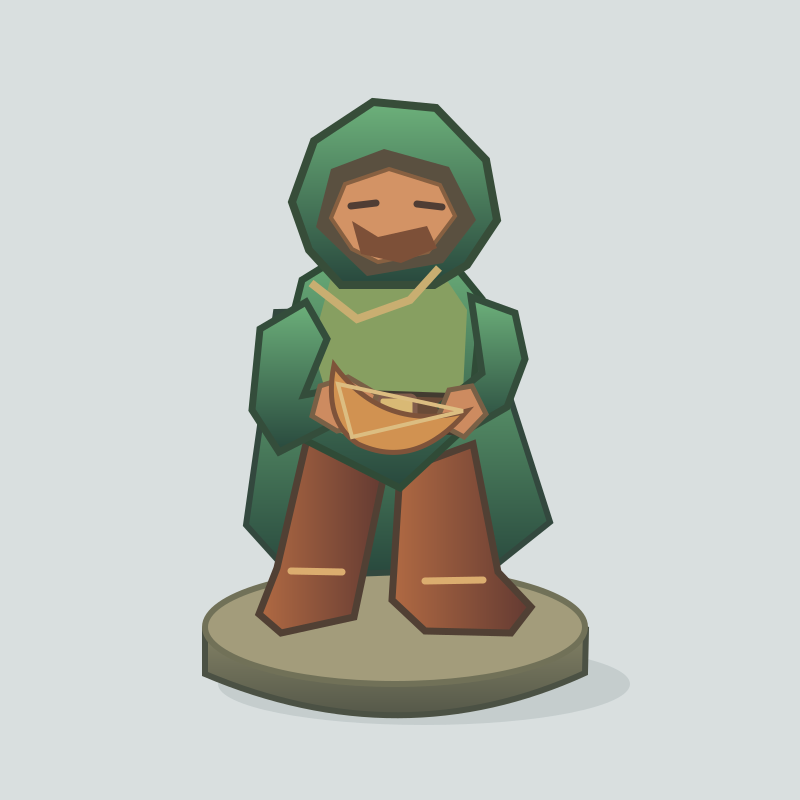 Input image
A real TRELLIS example generated on Image to 3D AI. Inspect the shape, then create your own model from a supported input.
Use cases
Make D&D miniatures, keepsakes and terrain
Use the AI miniature generator to draft a character, monster, keepsake or tabletop scene piece before you prepare an STL.
- Rodin 2.5 Fast
Use the AI miniature generator to explore a tabletop character’s silhouette. Keep the pose readable and bring held objects close to the body, then turn the draft and choose details that you can see clearly at game scale.
- TRELLIS
For an encounter monster, use the AI miniature generator to explore a broad stance and short limbs around a sturdy base. Check the side and back before downloading, and look for forms that remain recognizable when the model is small.
- Rodin 2.5 Fast
Start a keepsake from an image you can use. In the AI miniature generator, center the subject and check the finished outline from several angles, then resize the model for your shelf or desk in the slicer.
- Tripo H3.1
Draft a chest, boulder or similar terrain prop with the AI miniature generator. Inspect the ground contact and outline, then bring the STL into a slicer to check scale next to the other pieces in the scene.
Examples
Examples from the 3D miniature maker
Look across the tabletop figures for readable silhouettes, clear bases and details that remain recognizable from more than one angle.
Input imageFeatures
What the AI Miniature Generator lets you inspect
The AI miniature generator produces a tabletop draft you can evaluate for silhouette, base footprint and small details, with separate formats for visual review and slicer inspection.
See what reads from every side
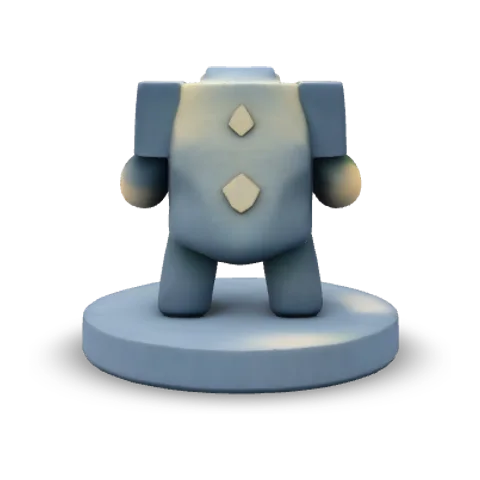
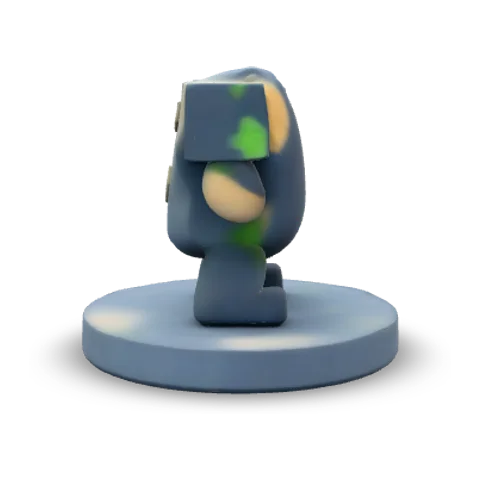
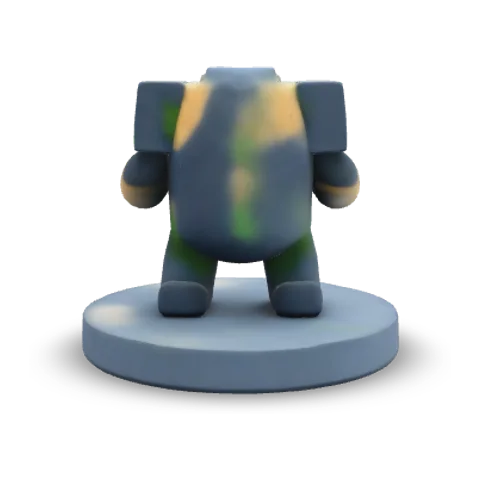
An AI miniature generator result is a 3D mesh that can be turned beyond the view in the original reference. The tabletop examples show separate front, side and rear views of the same figure. The side angle is useful for spotting a held object that blends into the silhouette head-on.
Use a visible base to establish the stance
The AI miniature generator accepts either a complete character image or a text description of the pose and base. A reference that shows the whole base gives the draft a clear intended footprint. The ranger example has an upright pose; the text-generated rock monster shows a broader stance on a round base.
Input image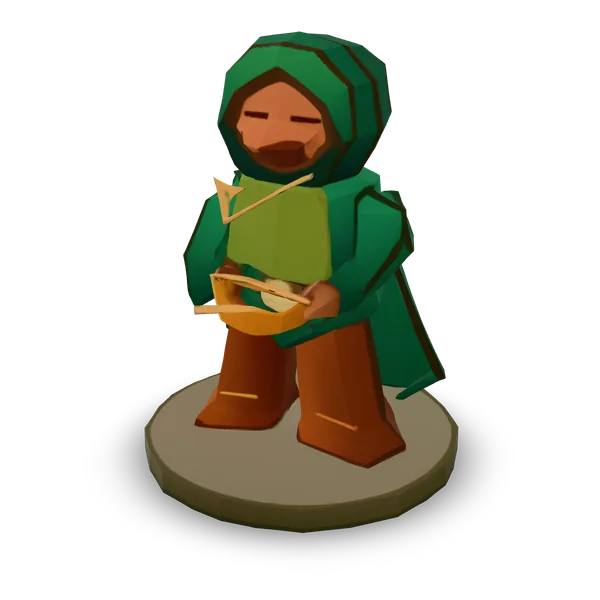
Check the model at tabletop scale
The AI miniature generator outputs a mesh you can size in a slicer to match your tabletop setup. A knight’s sword and helmet can look clear in the browser while smaller fingers or trim are hard to distinguish at game scale. A slicer preview exposes those details at the size you intend.
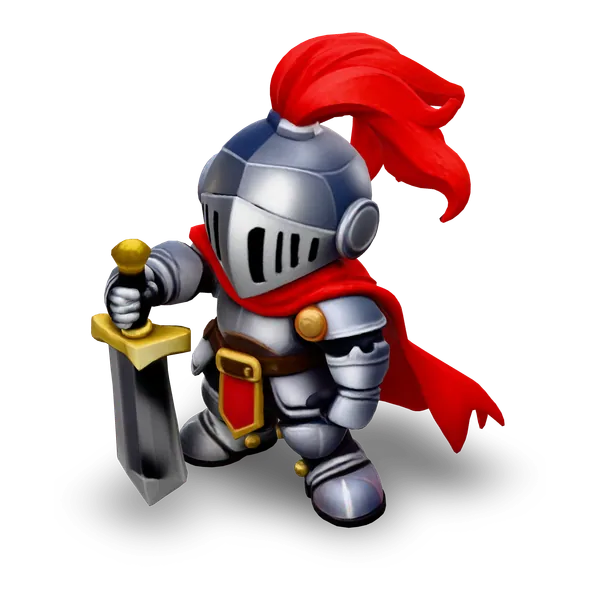
- STLCheck scale and footprint in a slicer
Take the geometry into a slicer
STL from the AI miniature generator carries the surface geometry for inspection at tabletop scale. The separate textured GLB retains the color information for visual review. When the ranger’s STL was opened in PrusaSlicer, it showed two parts, a distinction that is easy to miss in the rendered view.

- stl3D printing
- glbWeb and games
How it works
How to make a tabletop miniature and export STL
Build one figure with the AI miniature generator, turn the generated mesh, then test the STL at the size you want to use.
- Choose a character image
Add an image or describe a figure
In the AI miniature generator, add an image of one complete character or open Text and describe one figure. In the prompt, specify a pose, a flat base and where any held object sits in relation to the body.
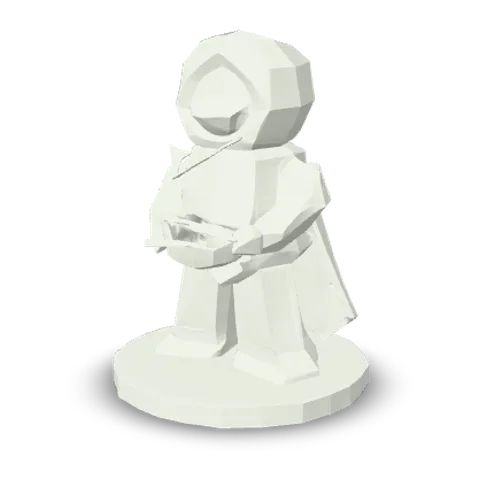
Solid · TRELLIS Rotate and inspect the result
Pick a model, check its credit quote and select Generate 3D model. Wait for the AI miniature generator result, then turn it to check whether the pose is readable from the side and whether the feet or base meet as expected.
- STLGLB
Save STL and open it in a slicer
Download the STL from the AI miniature generator and open it in your slicer. Set your intended tabletop scale, check for separate parts and thin limbs, and inspect the supports and layer preview at that size.
More 3D workflows
More ways to make 3D miniatures and prepare STL
Generate from a picture, begin from text or convert a model you already have for a slicer.
Stories
AI Miniature Generator Stories
Knight sketches, tabletop monsters and rocky terrain take shape as miniatures you can turn, size and check in a slicer.
I started with a sketch of a small knight and used the AI miniature generator to check how the pose read as a little figure. The cape made more sense once I turned the mesh around. I took the STL into the slicer to review the scale before choosing a figure for the table.
FAQ
AI Miniature Generator FAQ
What to check when using a 3D miniature maker, from your character reference and base size to the exported STL in a slicer.
- Image or prompt
- STL for a slicer
- Check size and base
An AI miniature generator makes a tabletop 3D mesh from an image or text prompt. You can rotate the model in the browser and export the geometry for slicer inspection.
Make a figure with the AI Miniature Generator
Open the AI Miniature Generator with a character image or a short description. Build the mesh, inspect the base and limbs, then take an STL into your slicer to set scale.