Original Microsoft TRELLIS · Hosted via fal
TRELLIS 3D: Turn one image or matching views into a textured model
Use Microsoft TRELLIS to build a textured 3D model free, with no sign-up. Start with one photo or up to eight matching views, then inspect and download the mesh.
Create your model
3D preview
Sample result · TRELLIS
 Input image
A real TRELLIS example generated on Image to 3D AI. Inspect the shape, then create your own model from a supported input.
Use cases
TRELLIS 3D for props, products and scenes
Explore how TRELLIS 3D handles a clear object reference for props, product shapes and visual concepts. Use the results to find where the next edit should begin.
- TRELLIS · 4 views
Bring consistent views of one object into TRELLIS 3D for a product shape study. Compare the fitted volume with your front, side and rear references, then mark details you want to refine before using the mesh in a mockup.
- TRELLIS
Start a set-dressing study with a distinctive subject such as the airship. Rotate the TRELLIS 3D result to see how the outline resolves from the side and back. Use a useful angle as a shape reference for the scene.
- TRELLIS
On a preview object like the mushroom lamp, check how the shade, stem and base read under the viewer’s lighting. Rotate it to see where color meets geometry and use that inspection to guide a material concept.
- TRELLIS
Use TRELLIS 3D to turn a clean illustration into a textured prop draft for a scene. Rotate the model to check overhangs, joins and recesses. Use the preview to choose which shapes to refine before placing it in the scene.
Examples
TRELLIS image-to-3D examples
Look at the actual source image or set of views beside each model. Rotate the result to inspect its proportions and textured surfaces.
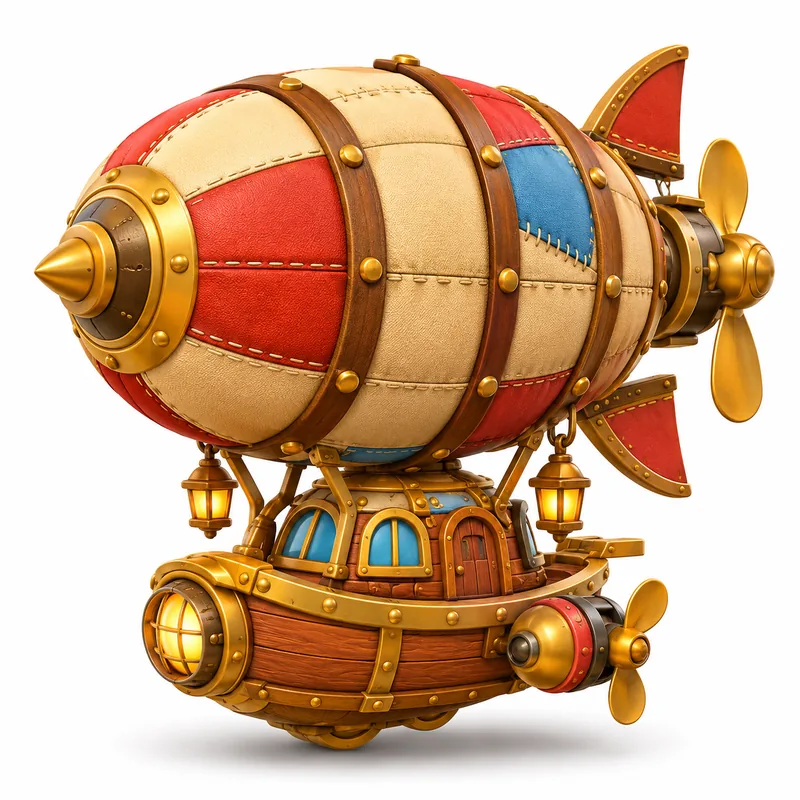 Input image
Models
Microsoft TRELLIS 3D input and output options
The original Microsoft TRELLIS 3D accepts one image or two to eight views of the same object here. Use the table to compare the modes and mesh-detail settings before you prepare your files.
| Model | Image | Text | Multi-Image | Mesh detail |
|---|---|---|---|---|
| TRELLIS | Yes | — | 2–8 views | Low · Standard · High |
These settings apply to the original TRELLIS hosted here.
TRELLIS at a glance
- Model
- The original Microsoft TRELLIS, hosted via fal
- Single-image input
- One clear reference of one object
- Multi-image input
- Two to eight consistent views
- Texture
- Included in the generated model
- Export
- Preview and download the textured model as GLB
Features
Prepare and inspect a TRELLIS 3D model
A TRELLIS 3D model gives you volume and surface detail from image references. The preview helps you decide which parts of that interpretation can stay and which ones need work for a particular camera angle or scene.
See what one image reveals about the shape
A TRELLIS 3D model can turn the outline and visible depth in one image into a prop you can see from the side. Areas hidden in the source are inferred. That gives you a form to develop for a scene, with room to refine the back or underside when the intended camera will show it.
Input image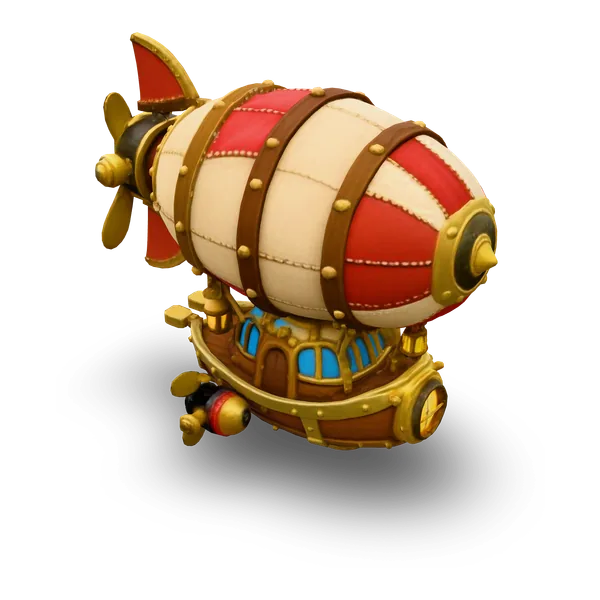
Give the model more evidence about the shape
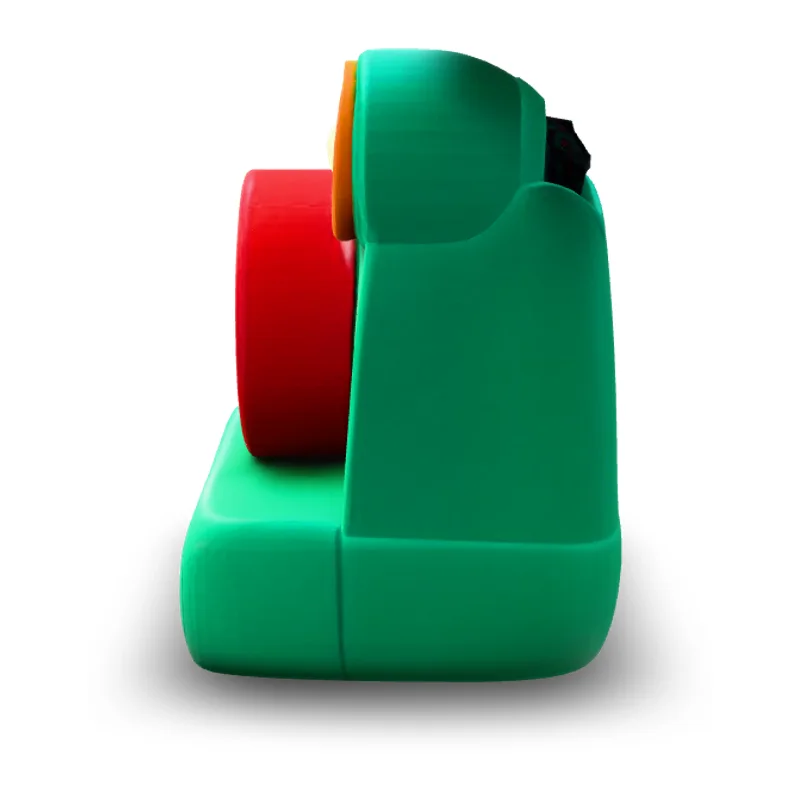
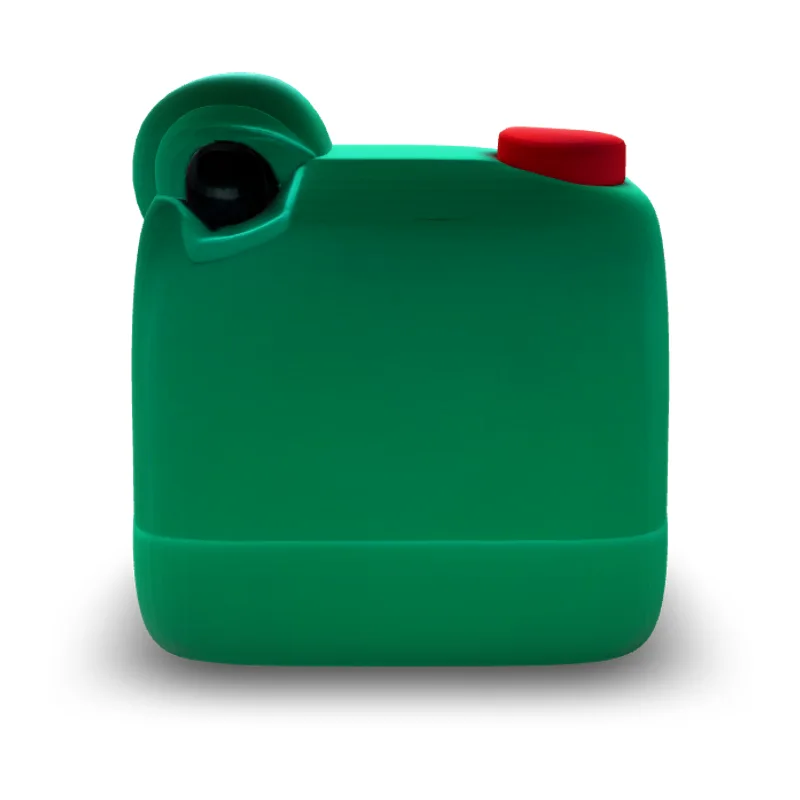
Additional views give TRELLIS 3D a better description of features that a single outline can hide. For example, a side view of a mushroom lamp shows how far the shade projects beyond the stem, while a rear view provides another look at the join. The generated result lets you judge those proportions in one object.



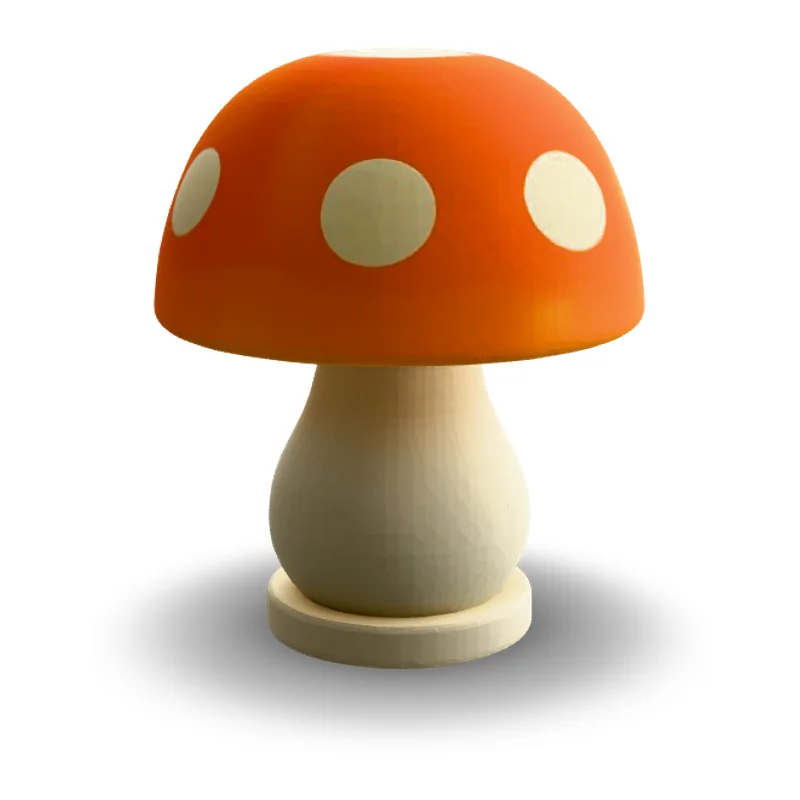 Input image

Look at texture and shape separately
Switch a TRELLIS 3D preview between textured and solid views. In textured view, study surface color and small pattern details. In solid view, look at the silhouette and raised or recessed forms. Use both views to identify which details you might want to rebuild as geometry in your editor.

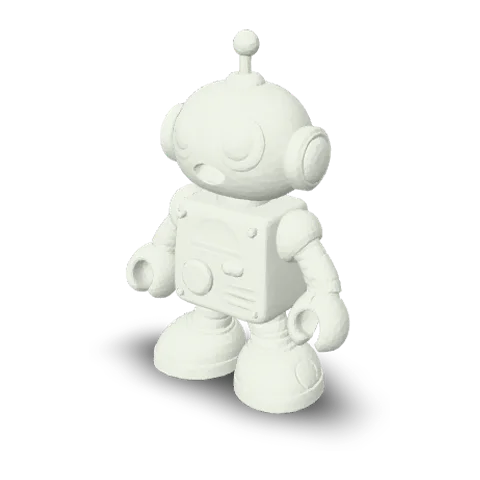
Keep the shape and surface in one GLB
A TRELLIS 3D GLB keeps the mesh and its available materials together in a file for compatible editors and viewers. That gives both the person placing the model in a scene and the person revising its surfaces the same starting asset. The scene editor provides the final context for scale, lighting and material appearance.
- glbWeb and games
How it works
How to make a 3D model with TRELLIS
Choose a clear reference or matching views, generate a TRELLIS 3D model and check the textured GLB before taking it into another tool.
- Add your image

Upload one image or matching views
Choose Single image in the TRELLIS 3D workspace for one reference, or Multi-image for two to eight views of the same object. Use clear pictures with the full shape in frame.
- TRELLISFREE
Generate with TRELLIS selected
Keep TRELLIS 3D selected and review the available mesh-detail preset and current quote for the input. Select Generate to start the task. Wait for the finished textured mesh to appear in the viewer.
- GLB
Rotate and download
Rotate the mesh to check the front, sides and back. Compare the shape against your reference and look for details you want to refine. Download the GLB to carry the mesh and its available texture into a compatible editor.
More generators
Explore more 3D workflows
Try the multi-image workspace, choose another model, or explore GLB output.
Stories
TRELLIS 3D Stories
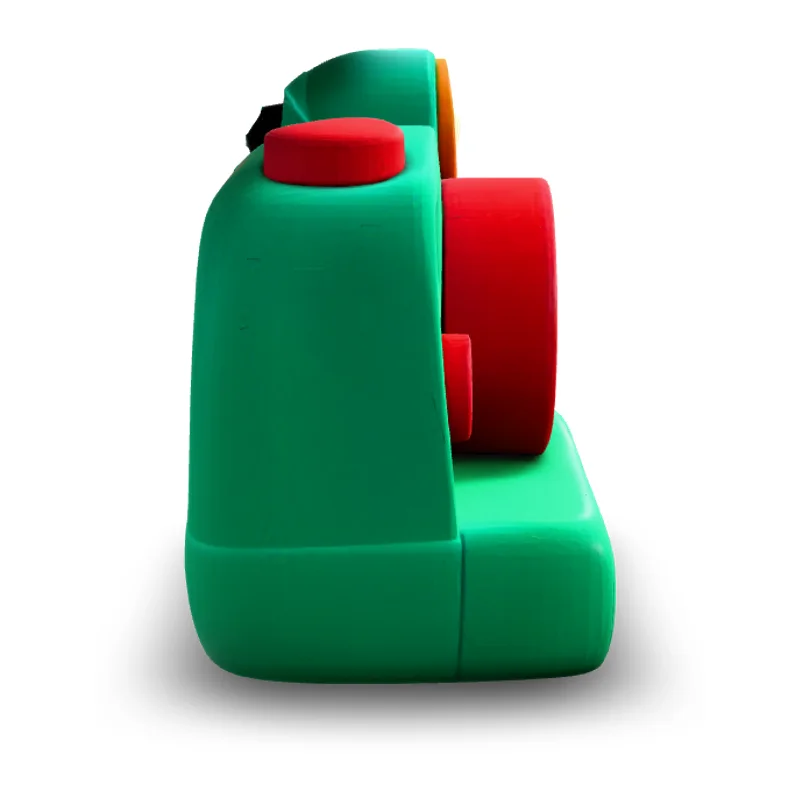
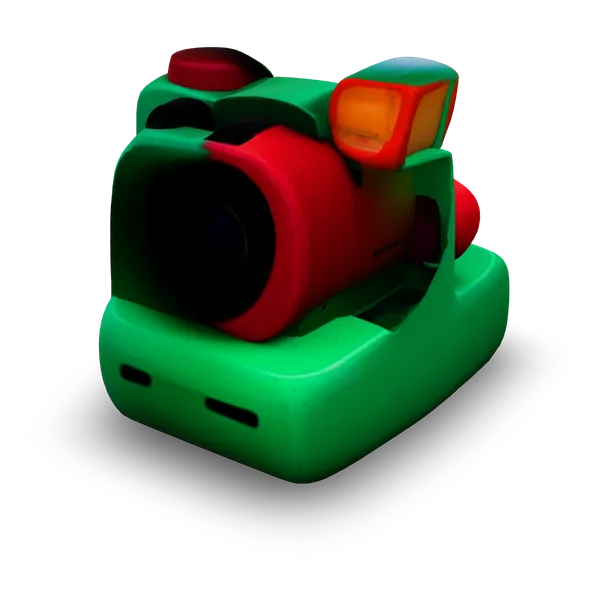
Creator stories inspired by the TRELLIS stone figure, airship, camera and lamp examples.
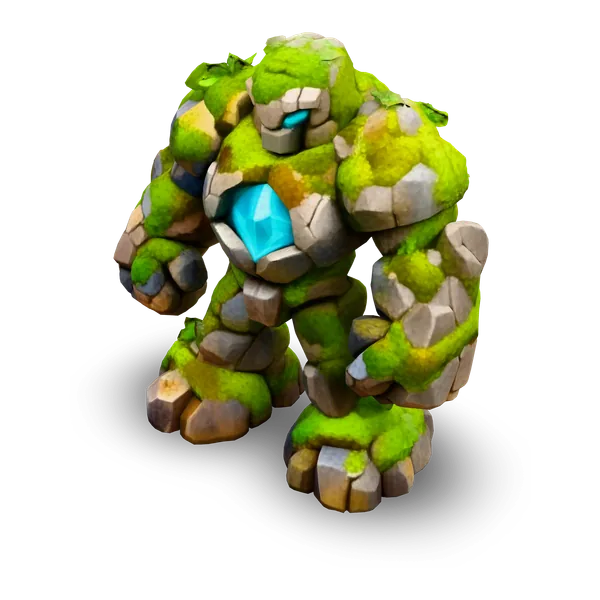
I opened the stone figure in TRELLIS 3D while planning a set of dungeon props. The chest plates jumped out at me as I turned it, but the gaps around the arms mattered more for the silhouette. I put one side view on my design board and felt clearer about what to carve into my own prop.
FAQ
TRELLIS 3D FAQ
Answers about using the original TRELLIS 3D with photos and taking the model into your next tool.
- Original Microsoft TRELLIS
- Textured GLB
- One image or 2–8 views
TRELLIS 3D is Microsoft’s model for turning images into textured 3D assets. This workspace uses the original TRELLIS. Upload one image or several views of the same object to generate a model you can rotate and download.
Try TRELLIS with your own reference
Try TRELLIS 3D with one clear image or a set of matching views. Generate a textured model, rotate it to check the shape and download the GLB when it is ready for your next edit.